

Grafana Cloud
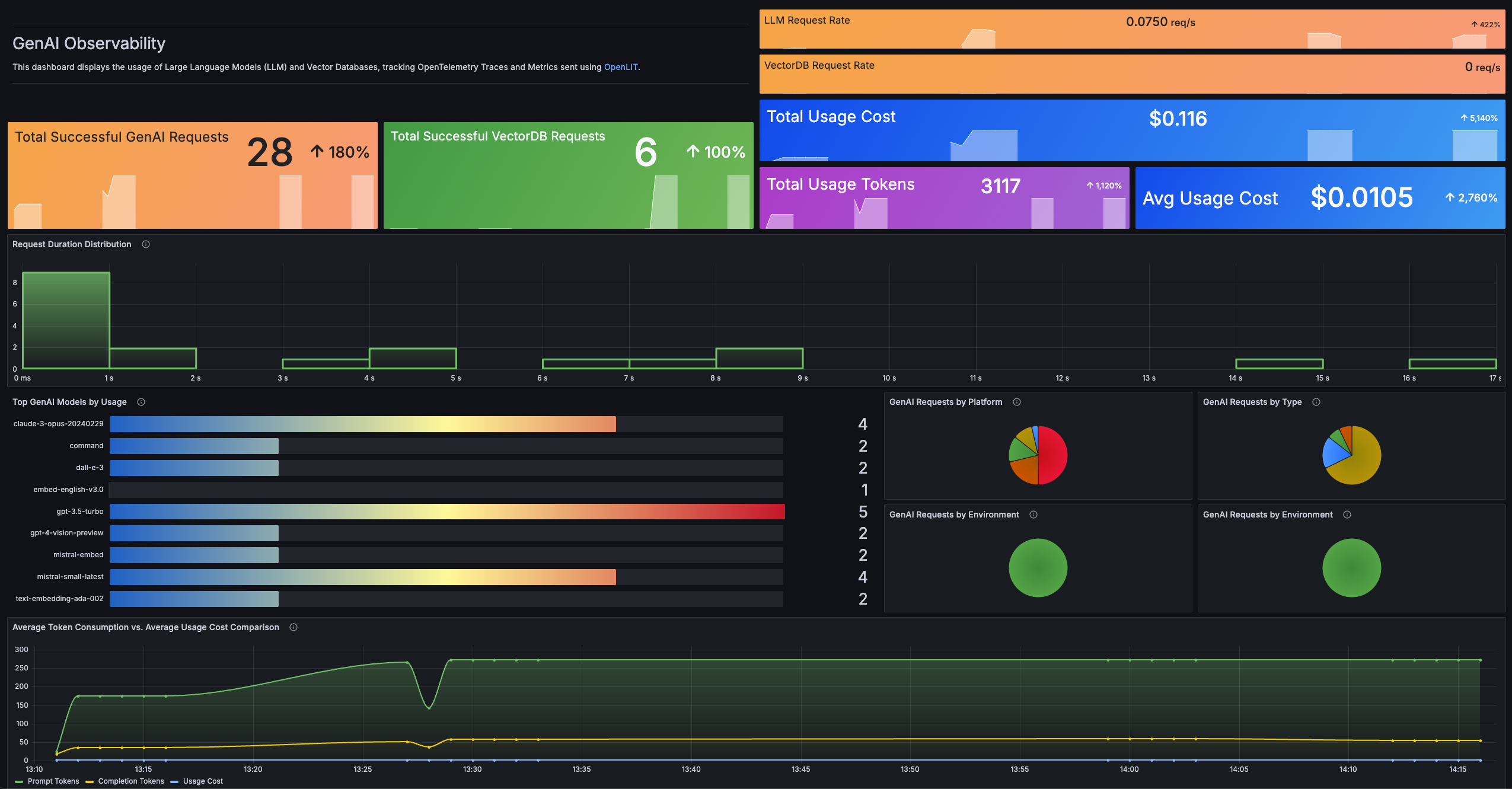
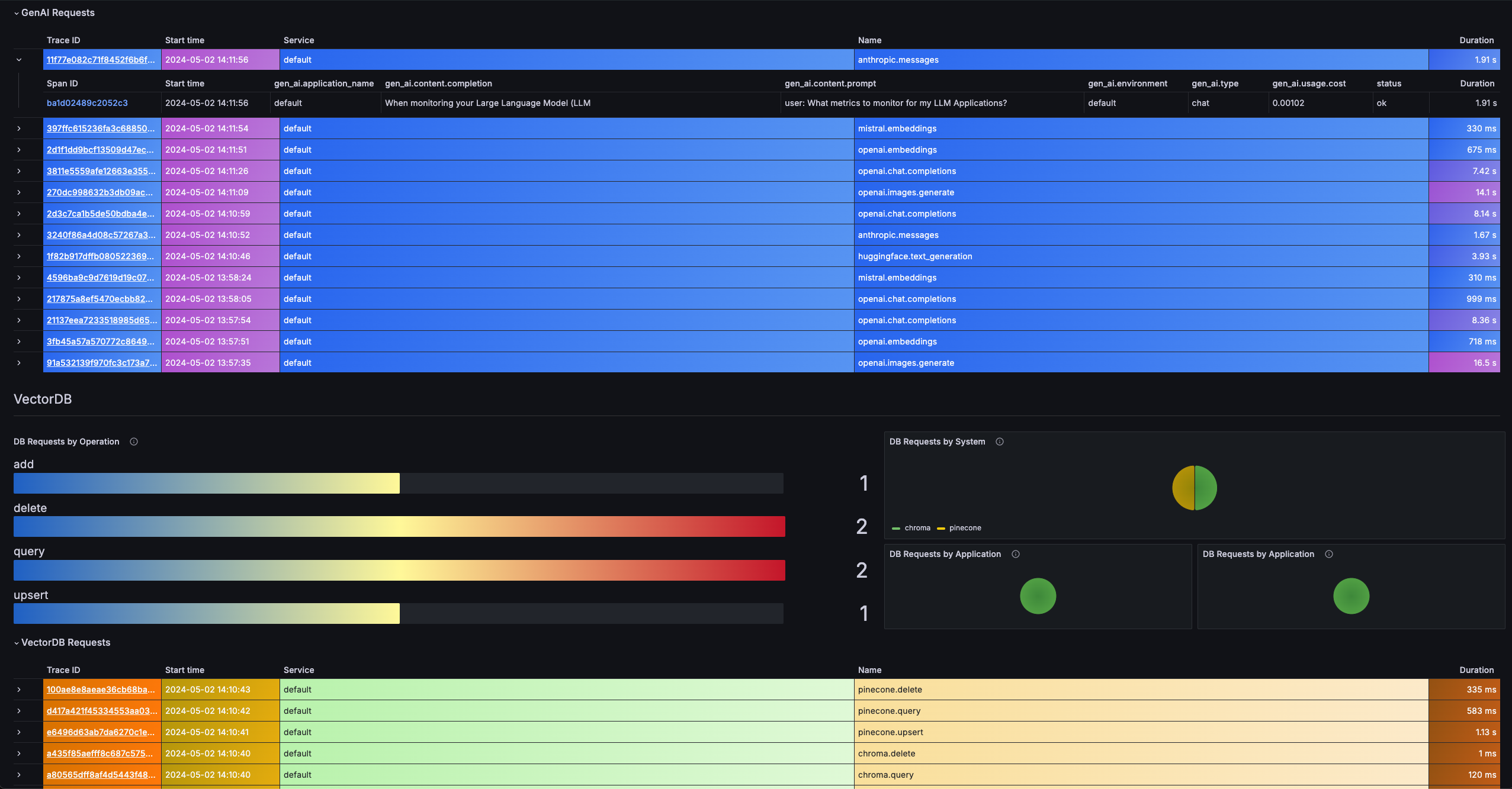
To directly send OpenTelemetry metrics and traces generated by Shield360 from your AI Application to Grafana Cloud, follow the below steps.
1. Get your Credentials
- Sign in to Grafana Cloud Portal and select your Grafana Cloud Stack.
- Click Configure in the OpenTelemetry section.
- In the Password / API Token section, click on Generate now to create a new API token:
- Give the API token a name, for example
shield360 - Click on Create token
- Click on Close without copying the token
- Copy and Save the value for
OTEL_EXPORTER_OTLP_ENDPOINTandOTEL_EXPORTER_OTLP_HEADERS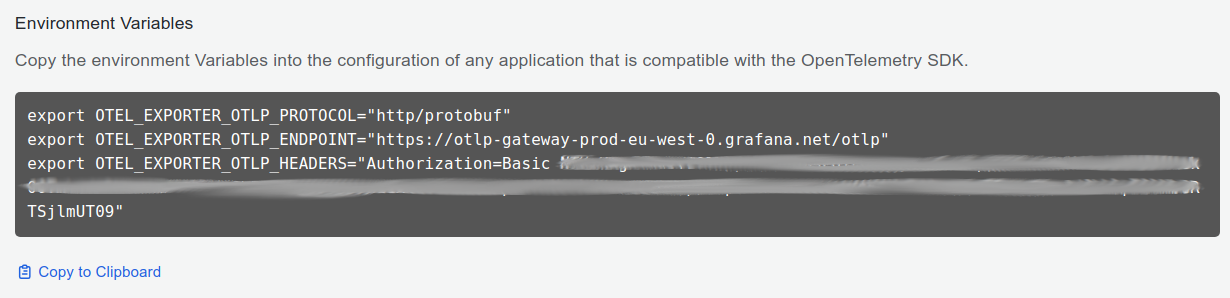
- Give the API token a name, for example
2. Instrument your application
For direct integration into your Python applications:
import shield360
shield360.init(  otlp_endpoint="YOUR_GRAFANA_OTEL_GATEWAY_URL",  otlp_headers="YOUR_GRAFANA_OTEL_GATEWAY_AUTH")
Replace:
YOUR_GRAFANA_OTEL_GATEWAY_URLwith theOTEL_EXPORTER_OTLP_ENDPOINTvalue you copied in Step 1.- Example:
https://otlp-gateway-<zone>.grafana.net/otlp
- Example:
YOUR_GRAFANA_OTEL_GATEWAY_AUTHwith theOTEL_EXPORTER_OTLP_HEADERSvalue you copied in Step 1.- Example:
Authorization=Basic%20<base64 encoded Instance ID and API Token>
- Example:
import shield360
shield360.init()
Set these environment variables:
export OTEL_EXPORTER_OTLP_ENDPOINT="YOUR_GRAFANA_OTEL_GATEWAY_URL"export OTEL_EXPORTER_OTLP_HEADERS="YOUR_GRAFANA_OTEL_GATEWAY_AUTH"Replace:
YOUR_GRAFANA_OTEL_GATEWAY_URLwith theOTEL_EXPORTER_OTLP_ENDPOINTvalue you copied in Step 1.- Example:
https://otlp-gateway-<zone>.grafana.net/otlp
- Example:
YOUR_GRAFANA_OTEL_GATEWAY_AUTHwith theOTEL_EXPORTER_OTLP_HEADERSvalue you copied in Step 1.- Example:
Authorization=Basic%20<base64 encoded Instance ID and API Token>
- Example:
Refer to the Shield360 SDK configuration reference for more advanced configurations and use cases.
For zero-code auto-instrumentation via command line:
# Using CLI argumentsshield360-instrument \ --otlp-endpoint "YOUR_GRAFANA_OTEL_GATEWAY_URL" \ --otlp-headers "YOUR_GRAFANA_OTEL_GATEWAY_AUTH" \ --service-name "my-ai-service" \ --deployment-environment "production" \ python app.pyReplace:
YOUR_GRAFANA_OTEL_GATEWAY_URLwith theOTEL_EXPORTER_OTLP_ENDPOINTvalue you copied in Step 1.- Example:
https://otlp-gateway-<zone>.grafana.net/otlp
- Example:
YOUR_GRAFANA_OTEL_GATEWAY_AUTHwith theOTEL_EXPORTER_OTLP_HEADERSvalue you copied in Step 1.- Example:
Authorization=Basic%20<base64 encoded Instance ID and API Token>
- Example:
# Set environment variables (takes precedence over CLI args)export OTEL_EXPORTER_OTLP_ENDPOINT="YOUR_GRAFANA_OTEL_GATEWAY_URL"export OTEL_EXPORTER_OTLP_HEADERS="YOUR_GRAFANA_OTEL_GATEWAY_AUTH"export OTEL_SERVICE_NAME="my-ai-service"export OTEL_DEPLOYMENT_ENVIRONMENT="production"
# Run your applicationshield360-instrument python app.py
Replace:
YOUR_GRAFANA_OTEL_GATEWAY_URLwith theOTEL_EXPORTER_OTLP_ENDPOINTvalue you copied in Step 1.- Example:
https://otlp-gateway-<zone>.grafana.net/otlp
- Example:
YOUR_GRAFANA_OTEL_GATEWAY_AUTHwith theOTEL_EXPORTER_OTLP_HEADERSvalue you copied in Step 1.- Example:
Authorization=Basic%20<base64 encoded Instance ID and API Token>
- Example:
Refer to the Shield360 SDK configuration reference for more advanced configurations and use cases.
3. Import the pre-built Dashboard
- Log into your Grafana Cloud Instance.
- Click Dashboards in the primary menu.
- Click New and select Import in the drop-down menu.
- Copy the dashboard JSONs provided in the offical Grafana AI Observability repository
- Paste the dashboard JSONs one by one directly into the text area.
- Click Import.
- Save the dashboard.